
The free Mini Studio Guide: every setting is a copy button
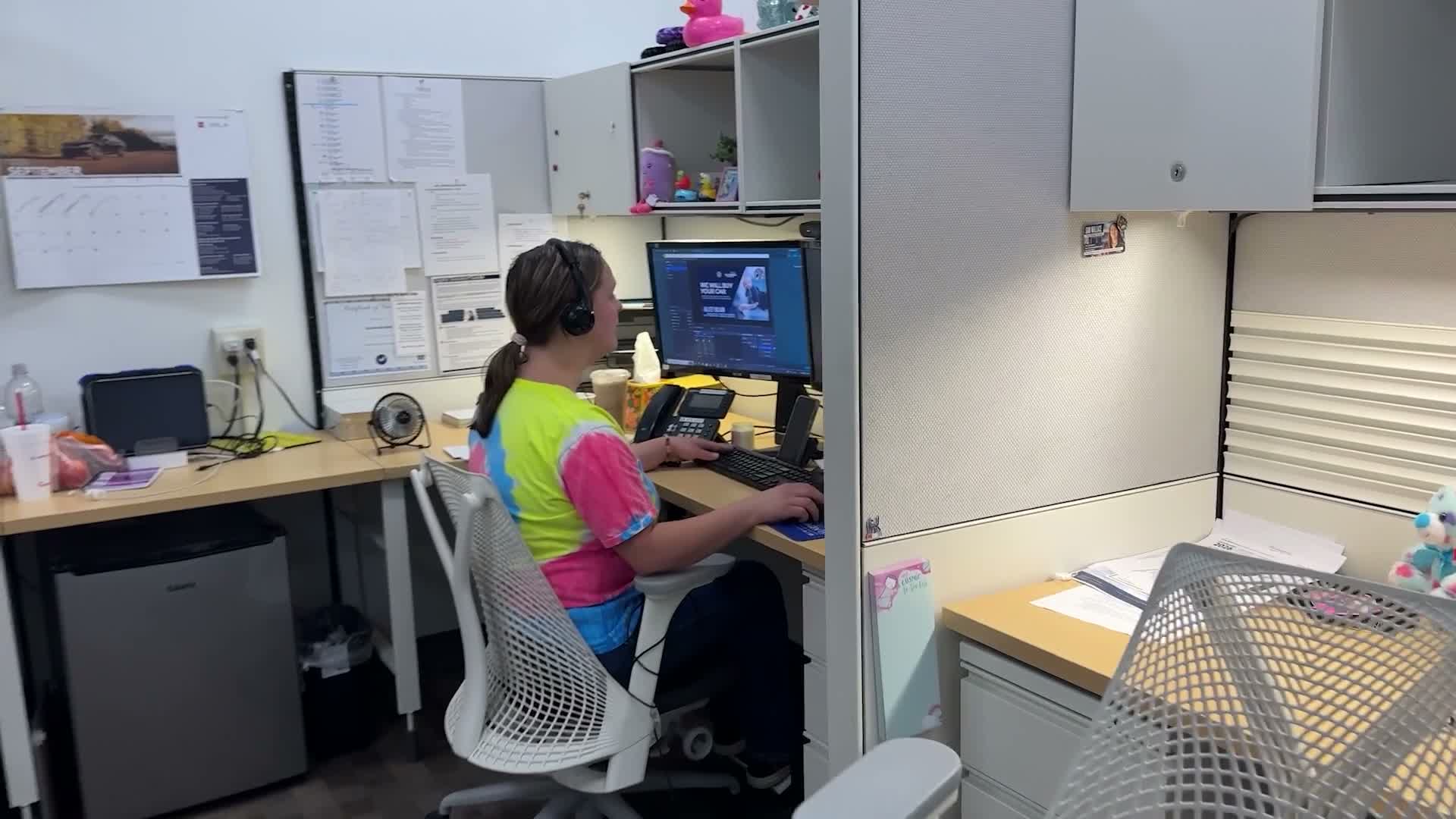
The whole build, from an empty desk to your first one-take video, as a free interactive guide. A mini studio is a regular desk set up to make personalized video in one take. Nothing downloads, and nobody calls you.
What the guide covers
Nine chapters. Open the one you need.
- Watch It First A finished one-take video. Every change on screen is a button press.
- What You Actually Need The $0 desk, the $679 desk, and why a second monitor matters more than a light.
- OBS in Fifteen Minutes Canvas settings, your camera, a test recording, and a green screen only if you work remote.
- Your Sets Your name banner and store map from the Backlot, and how to add them to OBS.
- The Four Buttons Four scenes, a Stream Deck key map, and what to do without a Stream Deck.
- Talk to the Customer, Not the Camera The eight on-camera tips, in full.
- Beyond the Showroom The same desk aimed at customers you already have, with a video that needs nothing looked up.
- Send It Sending through the CRM you already use.
- Your Numbers A free report on your own store, built from two CRM exports.
Want the short version first? The Mini Studio page walks through the desk, the three layers, and the cost.
How to open it
Go to ministudio.videoreals.com. The guide asks for one thing, your email, and opens on the next click. No credit card, no trial, no “book a call.”
Prefer paper? The one-page Build Sheet has the kit, the OBS video settings, your banner, the Stream Deck key map, and the eight on-camera tips.